How to Prepare Artwork for Custom Decals, Signs, Banners, and Apparel
Good production starts before the printer runs. A few careful artwork decisions can prevent blurry output, missing elements, and unnecessary proof revisions.
Start with the Final Product and Size
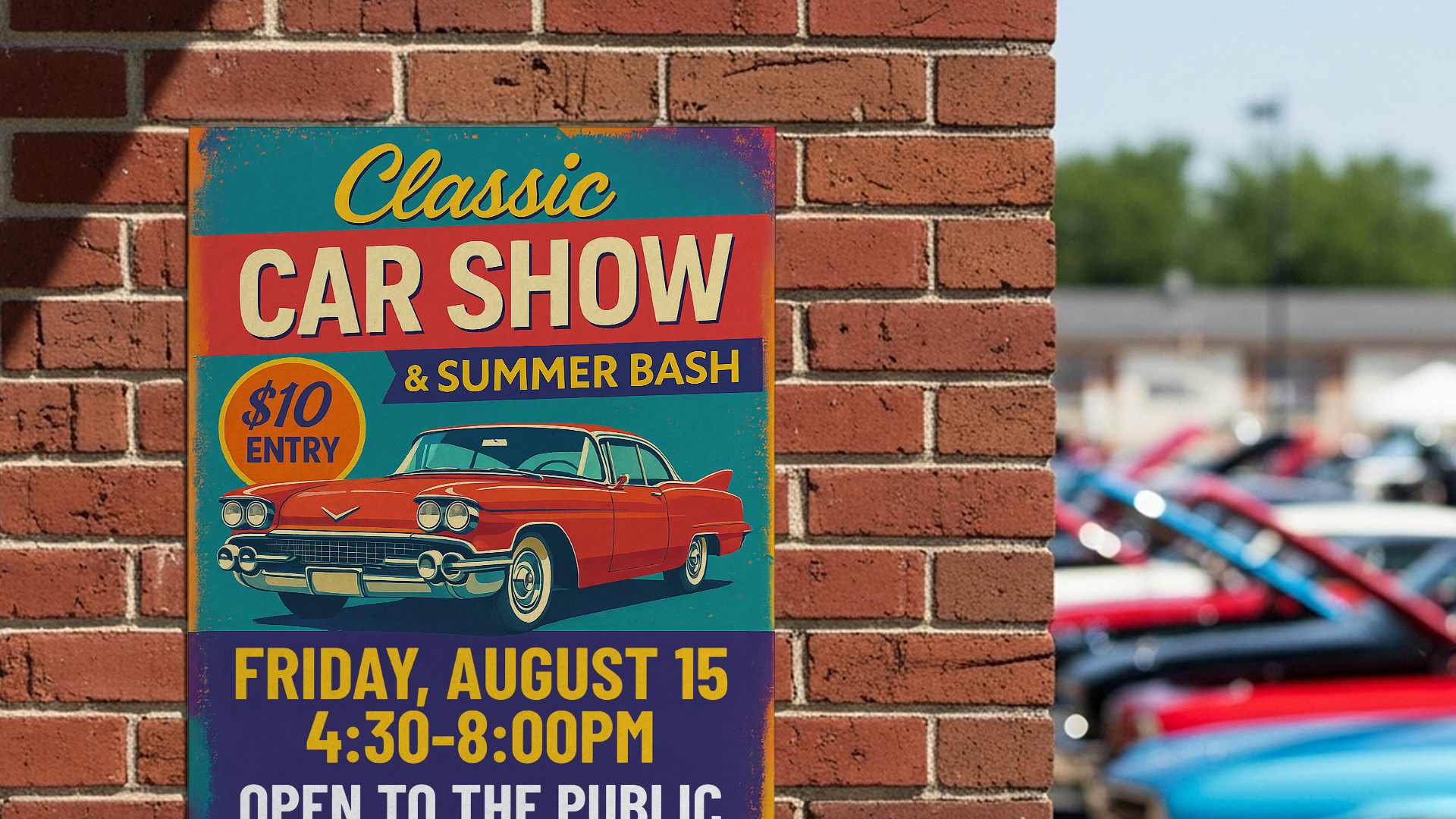
Before adjusting resolution or choosing a file format, decide what the artwork will become. A small product label, a truck-door decal, a T-shirt transfer, and a roadside banner all have different viewing distances and production requirements.
Share the finished width and height, quantity, intended surface, indoor or outdoor use, and any deadline when requesting a quote. Those details help the shop evaluate material, finishing, legibility, and whether the supplied artwork is suitable for the job.
Vector Artwork Is Usually Best for Logos and Lettering
Vector artwork uses editable paths instead of a fixed grid of pixels. That makes it a strong choice for logos, lettering, simple illustrations, cut vinyl, and graphics that may need to be produced at several sizes.
Common vector-friendly formats include AI, EPS, and SVG. A PDF may also contain usable vector artwork, but saving a low-resolution image inside a PDF does not turn it into vector art. Keep the original design file whenever possible.
Raster Images Need Enough Detail at the Finished Size
Photographs and painted artwork are normally raster images made from pixels. PNG, JPG, TIFF, and WebP files can print well when they contain enough real detail for the final output size.
Do not judge quality only by how an image looks on a phone. Screenshots, social-media downloads, and images copied from a website are often much smaller than they appear. Enlarging them can produce soft edges, compression artifacts, and unreadable small text. Send the original export or highest-quality source available.
Protect Important Content Near Edges and Cut Lines
Printed pieces that trim to an edge usually need extra artwork beyond the final cut, commonly called bleed. That extra area gives production a margin for normal trimming variation. Keep important text, logos, faces, and borders safely inside the finished edge unless the shop provides a specific template.
Contour-cut decals also need a clear plan for the cut path. Very tight corners, tiny isolated pieces, or detailed edges may need simplification so the decal can be cut, weeded, and applied reliably.
Check Fonts, Transparency, and Color
Missing fonts can change a layout when a file opens on another computer. Include licensed fonts when permitted, convert final lettering to outlines, or provide a print-ready PDF that preserves the intended appearance. Also inspect transparent effects, shadows, and thin strokes at the final size.
Colors can vary between screens, printers, inks, materials, and lighting. If a brand color is critical, identify it clearly and ask about a physical sample or color-matching process. A phone display is not a reliable contract proof for exact printed color.
Review the Proof Like It Is the Finished Product
Proofing is the last practical opportunity to catch spelling, phone numbers, dates, dimensions, placement, and missing design elements. Zoom in, then step back and judge whether the main message remains readable at the expected viewing distance.
When something is uncertain, explain it before approving the proof. A short production conversation is faster and less expensive than discovering a preventable problem after printing, cutting, pressing, or installation.
- Confirm finished size, quantity, material, use, and deadline.
- Send original vector files or the largest clean raster file available.
- Avoid screenshots and images downloaded from social media.
- Keep important content away from trim and cut edges.
- Check spelling, numbers, colors, and placement on the final proof.
- Ask for help when you are unsure; production review is part of the process.
Turn Your Idea Into a Finished Product
AI can help create the idea. Devil Decals can help prepare it for real production. Submit your artwork, concept, sketch, or inspiration and we will help determine what is needed to print, cut, or apply it properly.
About the Author
Rob Macedonio is a U.S. Marine Corps veteran, heavy-equipment professional, entrepreneur, and founder of Devil Decals LLC. His work combines practical production experience, graphic design, digital fabrication, business operations, and emerging technology.