How to Plan a DTF Gang Sheet Without Wasting Space
List every transfer, prepare clean artwork at finished size, and review the packed layout before checkout. A little planning makes cutting, sorting, pressing, and reordering much easier.
List Every Transfer Before Building the Sheet
A DTF gang sheet places multiple ready-to-press designs on one continuous sheet of transfer film. It can hold several copies of one logo, a mix of front and back designs, or different sizes for a coordinated apparel order. Grouping designs this way can use the printable area more efficiently than treating every transfer as a separate job.
Start with a simple transfer schedule. For each design, record the name, finished width, finished height, quantity, and intended placement. Separate adult fronts, youth fronts, left-chest logos, sleeve marks, names, numbers, and back graphics instead of combining them into one vague total.
Measure the printable area of the actual garment rather than choosing a size from memory. Seams, pockets, zippers, collars, and garment sizes change the available space. A design that looks balanced on an adult large shirt may overpower a youth shirt or crowd a hoodie pocket.
If several garments use the same artwork at the same dimensions, combine those quantities. If the size changes, treat it as a separate transfer even when the design is identical. Clear naming makes the packed preview easier to review before ordering.
Prepare Artwork at Its Intended Finished Size
Upload the best original artwork available. Transparent-background PNG files are commonly used for DTF printing, while high-quality vector artwork can be useful when a design still needs to be resized or adjusted. A JPG normally includes a rectangular background, so confirm whether that background is intentional before placing it on the sheet.
Soft shadows, faded edges, low-opacity pixels, and extremely fine details deserve special attention. A screen can display partial transparency that does not behave like a solid printed edge. STAHLS' DTF artwork guidance warns that soft edges and transparent pixels may not transfer or wash as expected, and its product specifications identify minimum-detail limitations for that particular transfer system.
Do not apply another supplier's exact minimum line width to every DTF product. Instead, inspect small text, distressing, outlines, and fine gaps at the intended finished size. If a critical detail looks questionable, request an artwork review before ordering the full quantity.
Use the Builder to Pack the Sheet—Then Review It
The Devil Decals DTF builder arranges uploaded artwork automatically and can rotate eligible items to reduce unused film length. Enter the finished size and quantity for each transfer, then review the packed result rather than assuming the first arrangement is correct.
Confirm that the displayed count matches your transfer schedule. Check that rotated designs are acceptable, that no artwork is cropped, and that every item remains at the intended dimensions. Rotation changes the way a design sits on the film, not its finished size on the garment.
The builder also allows cut padding between items. More separation can make individual transfers easier to trim apart, while tighter spacing may use less film. Choose enough working room for the way the transfers will actually be separated and handled instead of chasing the smallest possible sheet length.
Plan for Cutting, Sorting, and Production Use
A gang sheet usually arrives as a combined sheet or roll section rather than a stack of individually labeled transfers. Decide who will cut it apart and how the pieces will be sorted before pressing begins.
Use a quantity checklist as transfers are separated. Keep matching front and back graphics together, and label similar sizes that could be confused after cutting. When multiple people or locations will use the order, consider grouping the original layout by design or garment set even if another arrangement would save a small amount of film.
Save the final size and quantity list with the order. That record makes reorders easier and helps prevent an adult-size logo from being substituted for a youth or left-chest version later.
Follow the Supplied Application Instructions
DTF application settings are not universal. Time, temperature, pressure, peel method, fabric, heat press, and transfer construction all affect the result. Epson's DTFilm guidance directs users to follow the film manufacturer's recommendations, and established transfer suppliers publish product-specific settings for the same reason.
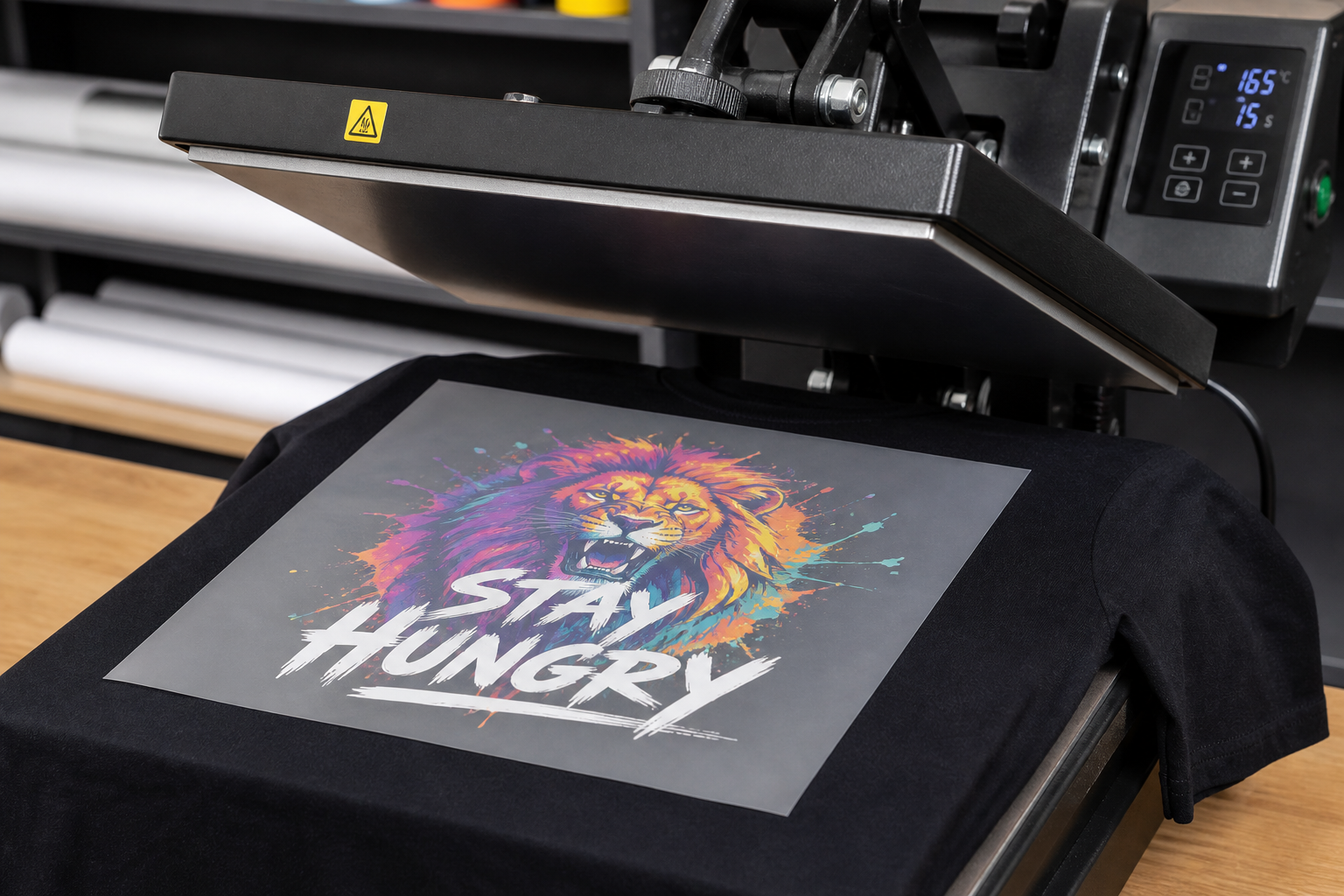
Use the instructions supplied with the Devil Decals transfer order rather than copying settings from an unrelated online tutorial. Verify that the heat press reaches the set temperature evenly, use the specified pressure, and test one transfer when working with a new garment or fabric.
Keep the remaining transfers clean, dry, and protected until use. Avoid folding or scraping the printed area. If a test application does not look correct, stop and check the instructions, press conditions, garment, and transfer before continuing through the rest of the order.
- Make a list of every design, finished size, quantity, and garment placement.
- Measure the actual garment area, especially for youth sizes, hoodies, sleeves, and pockets.
- Use transparent, production-quality artwork and inspect it at final size.
- Treat each size variation as a separate transfer item.
- Confirm the packed preview, count, dimensions, rotation, and cut spacing.
- Leave enough room to cut and handle transfers cleanly.
- Plan how combined sheets will be separated, sorted, and labeled.
- Save the final transfer schedule for accurate reorders.
- Follow the application instructions supplied with the transfer order.
- Test before pressing the entire run when the garment or process is unfamiliar.
Turn Your Idea Into a Finished Product
AI can help create the idea. Devil Decals can help prepare it for real production. Submit your artwork, concept, sketch, or inspiration and we will help determine what is needed to print, cut, or apply it properly.
About the Author
Rob Macedonio is a U.S. Marine Corps veteran, heavy-equipment professional, entrepreneur, and founder of Devil Decals LLC. His work combines practical production experience, graphic design, digital fabrication, business operations, and emerging technology.